
You will not be allowed to compare more than 4 products at a time
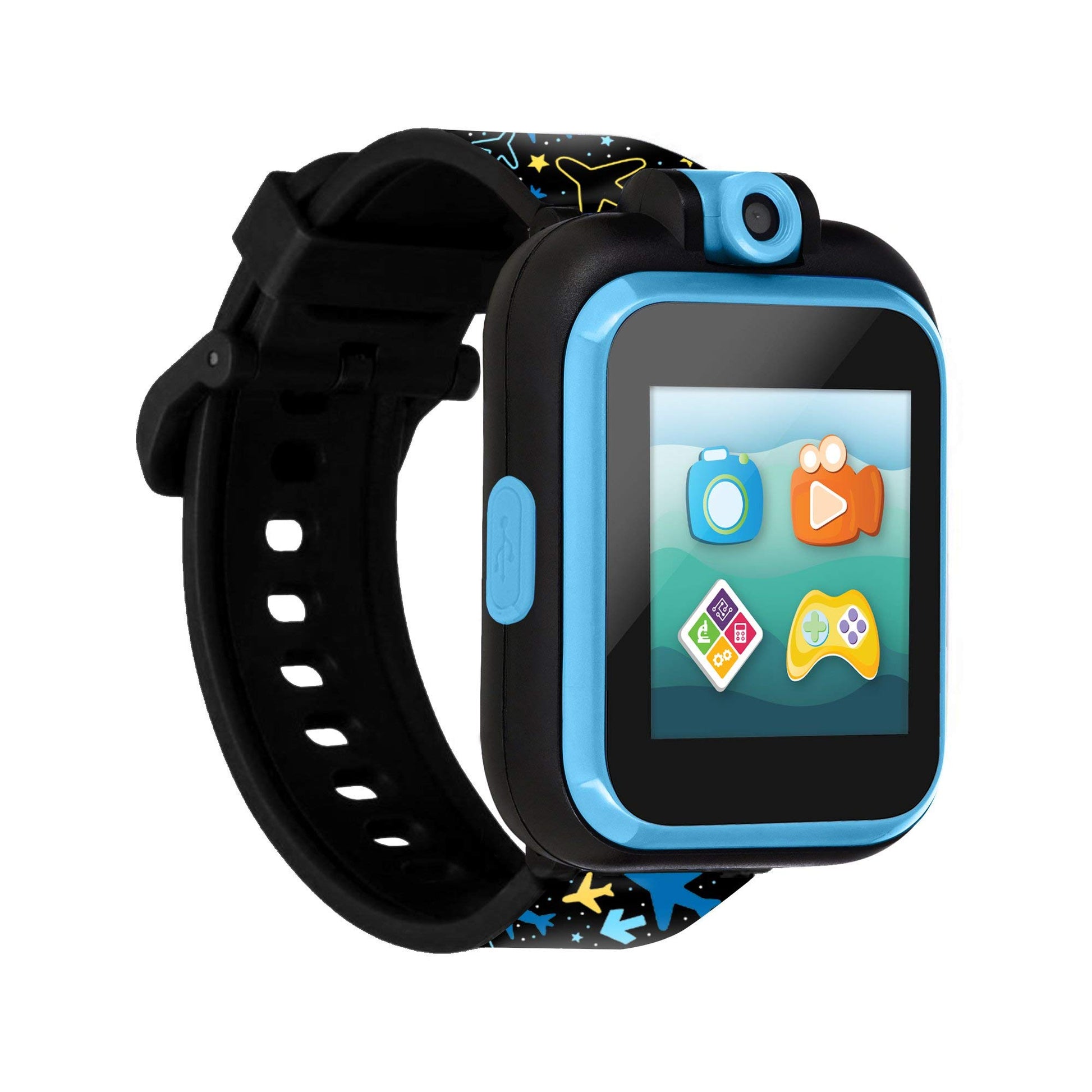
View compareKids Smartwatch Playzoom 2 With Swivel Selfie Camera, Stem Learning, 20+ Games, Audio Bedtime Stories, Store Music For Kids Toddlers Boys Girls Airplane And Star Print
Kids Smartwatch Playzoom 2 With Swivel Selfie Camera, Stem Learning, 20+ Games, Audio Bedtime Stories, Store Music For Kids Toddlers Boys Girls Airplane And Star Print
Hurry! Only left 10 in stock
Regular price
$35.06 USD
Sale price
$35.06 USD
Regular price
$50.09 USD
Unit price
per
Shipping calculated at checkout.
Share
Couldn't load pickup availability
Estimated delivery: 3-5 days(United States), 8-12 days (International).
Return within 15 days after Delivery. Duties & taxes are non-refundable.
Guarantee safe and secure checkout
Description
Description
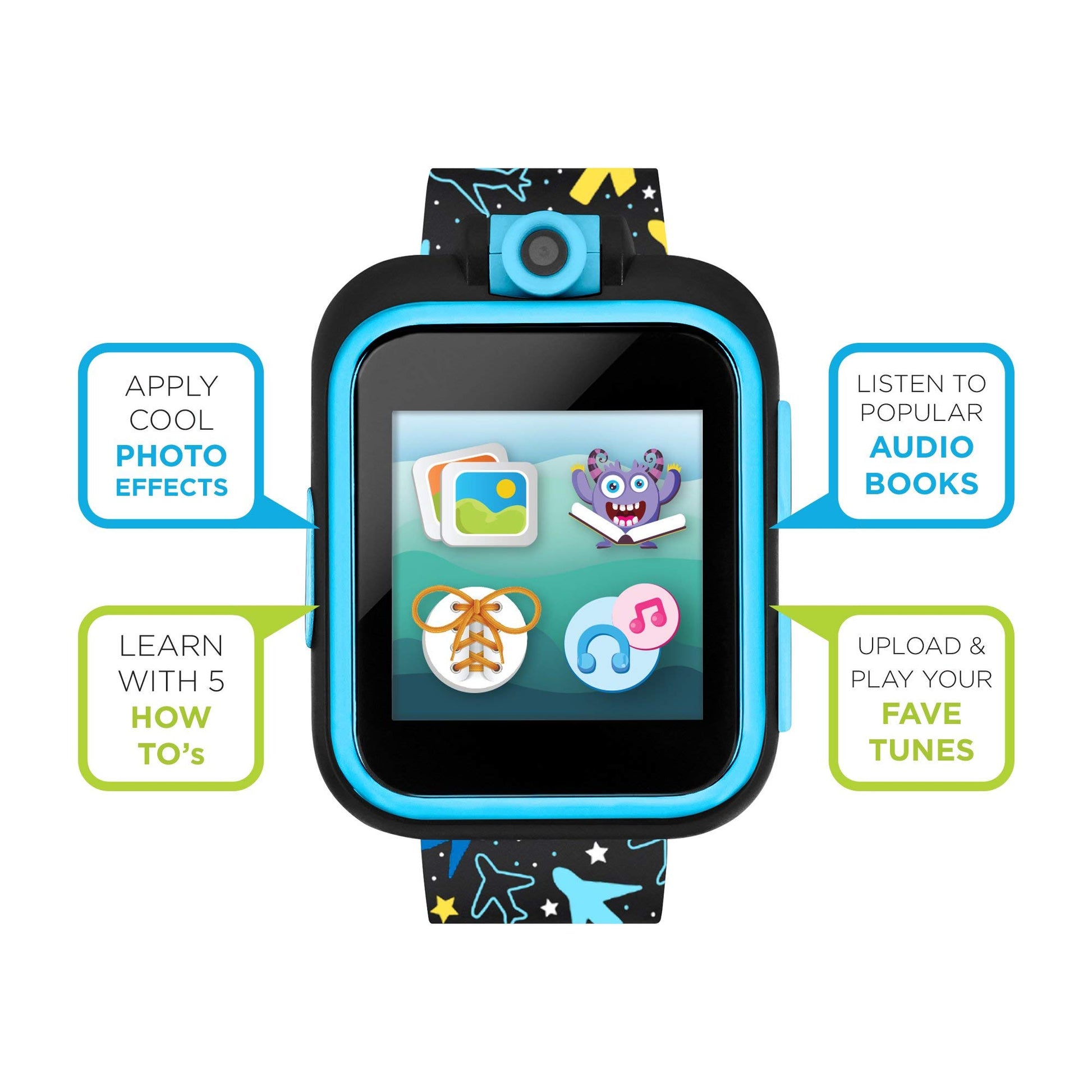
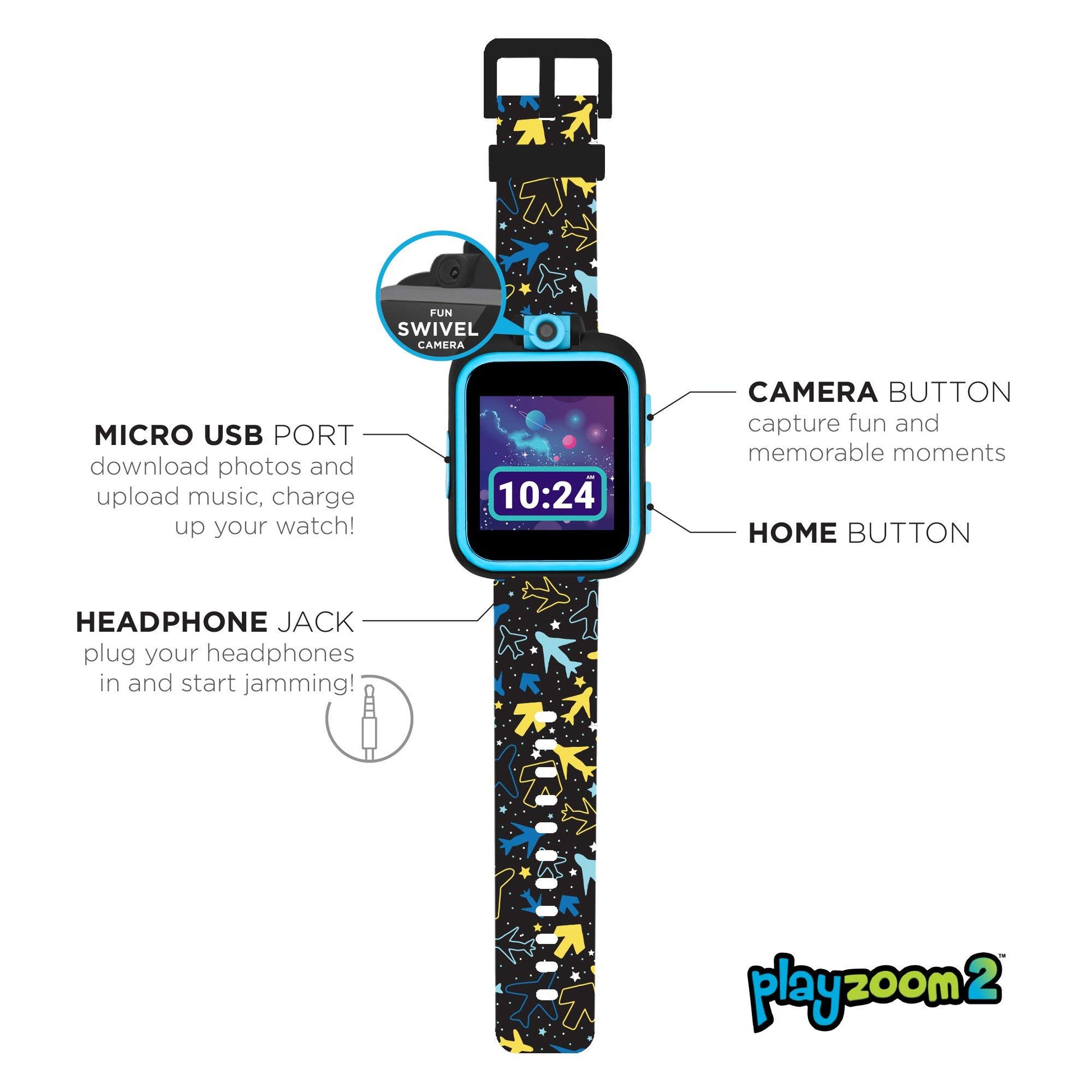
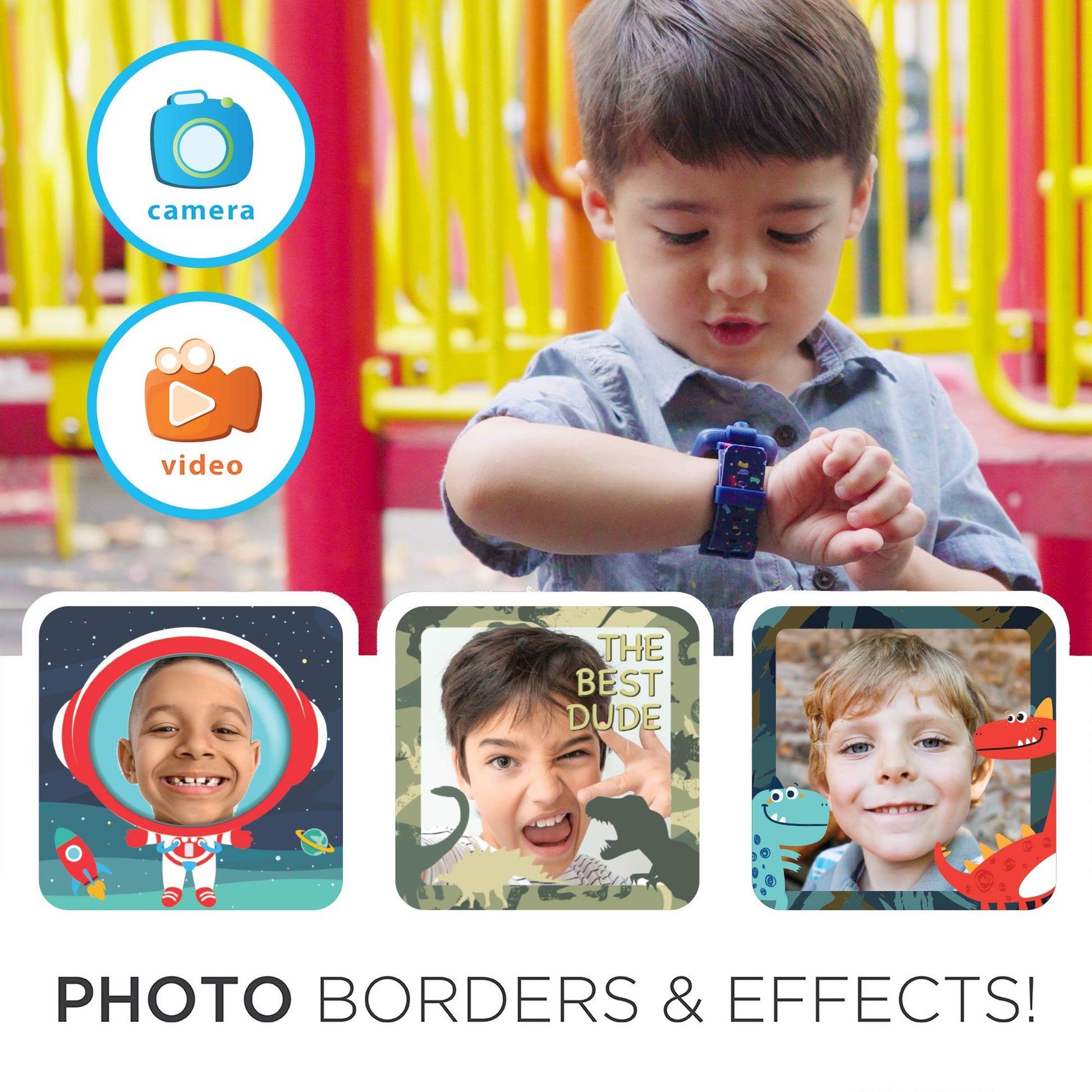
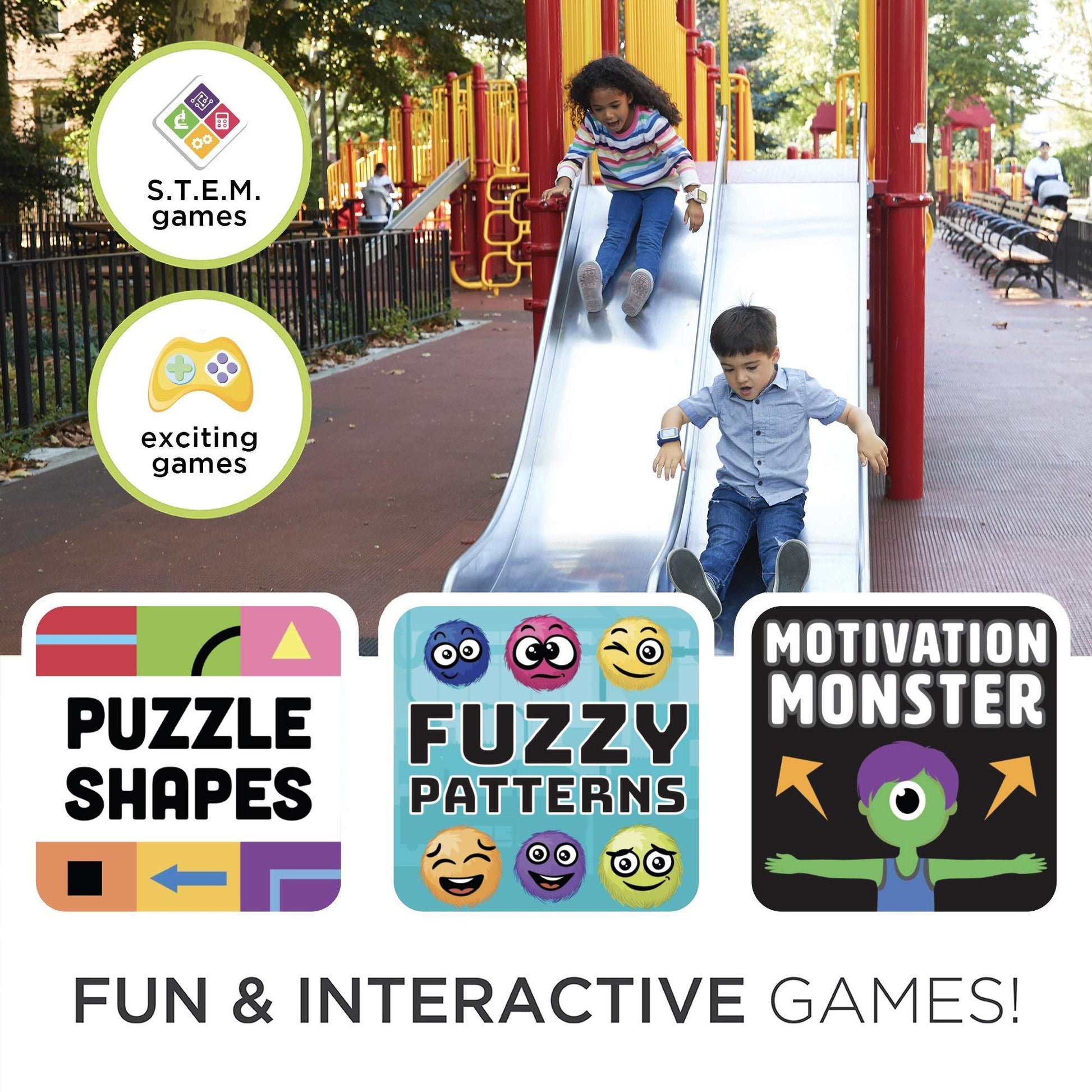
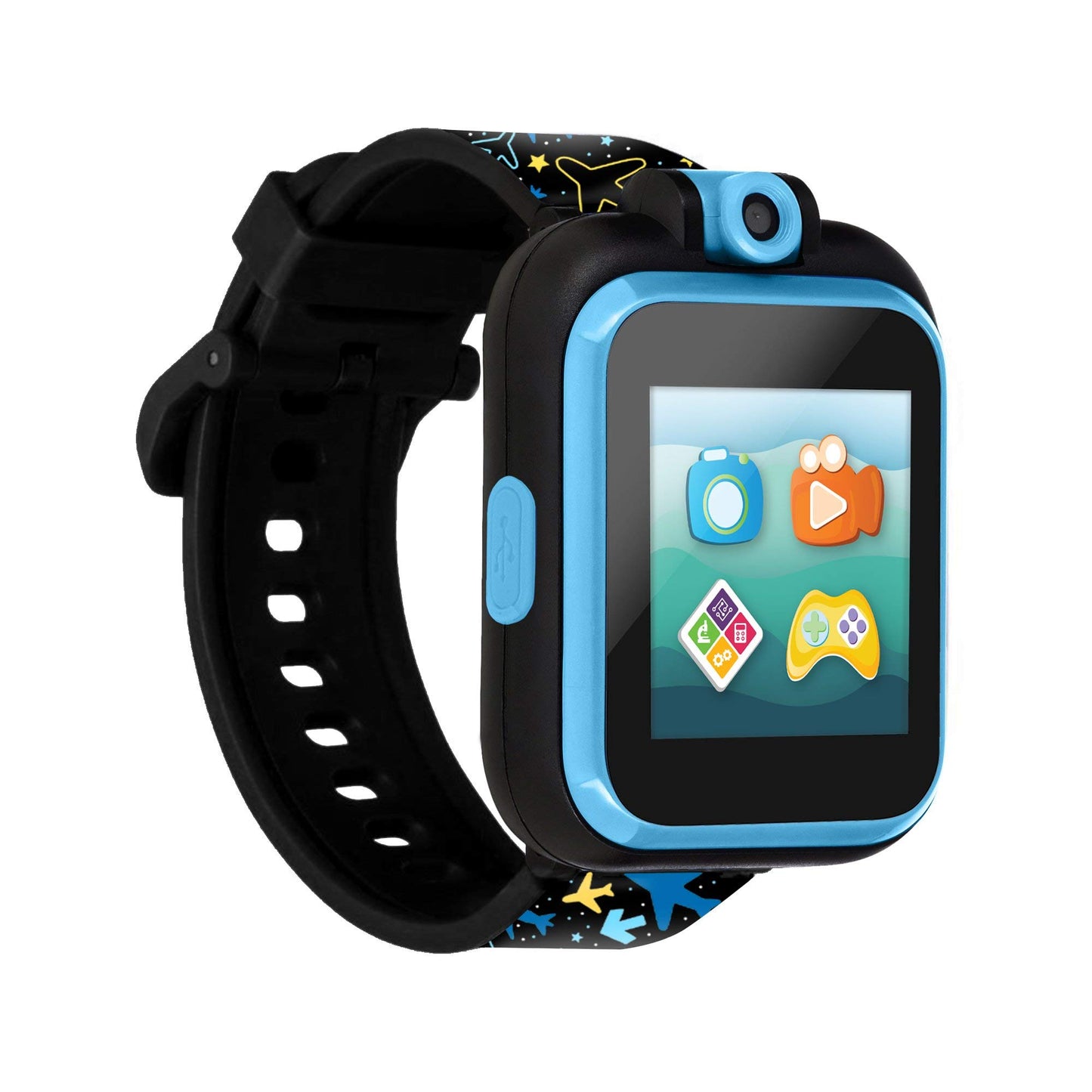
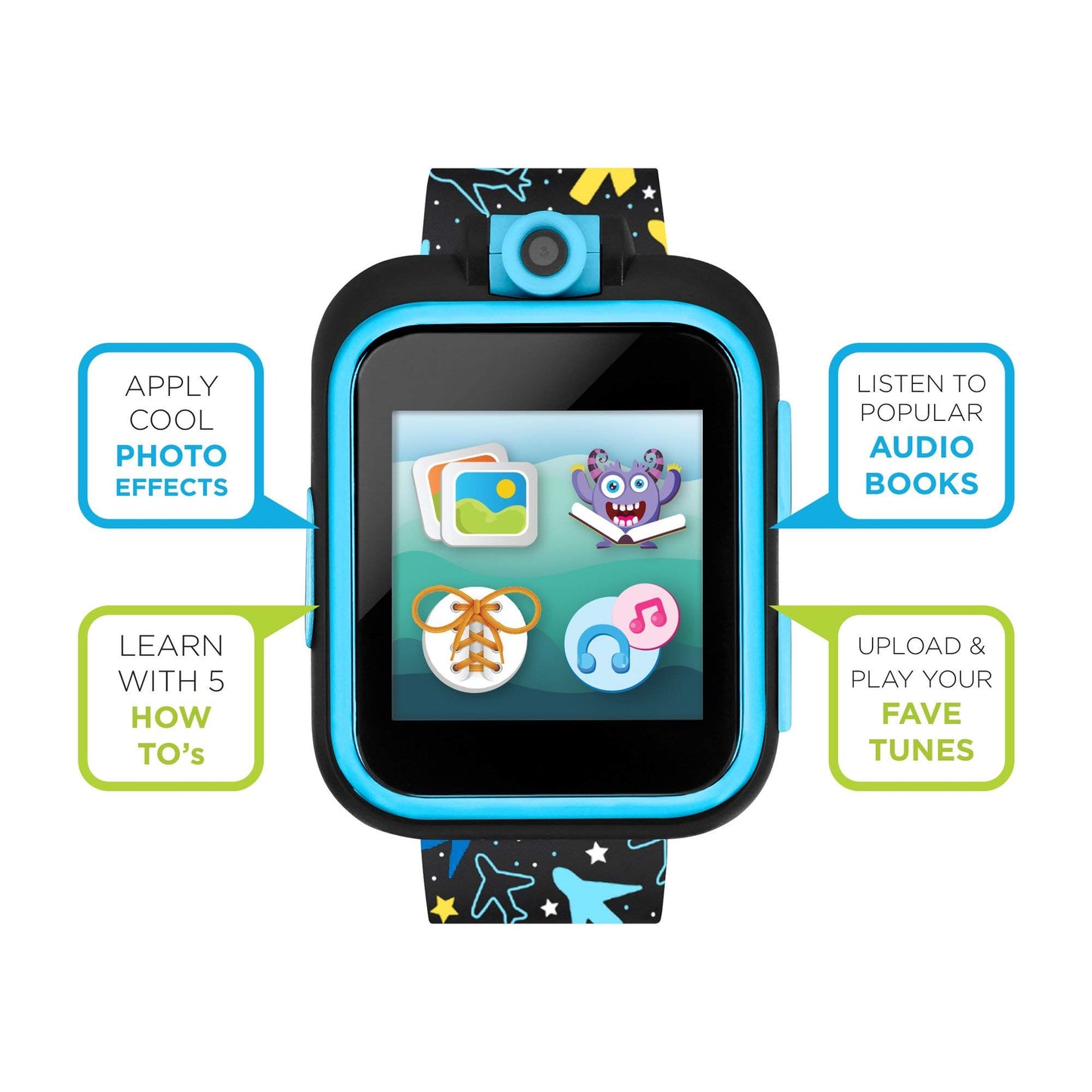
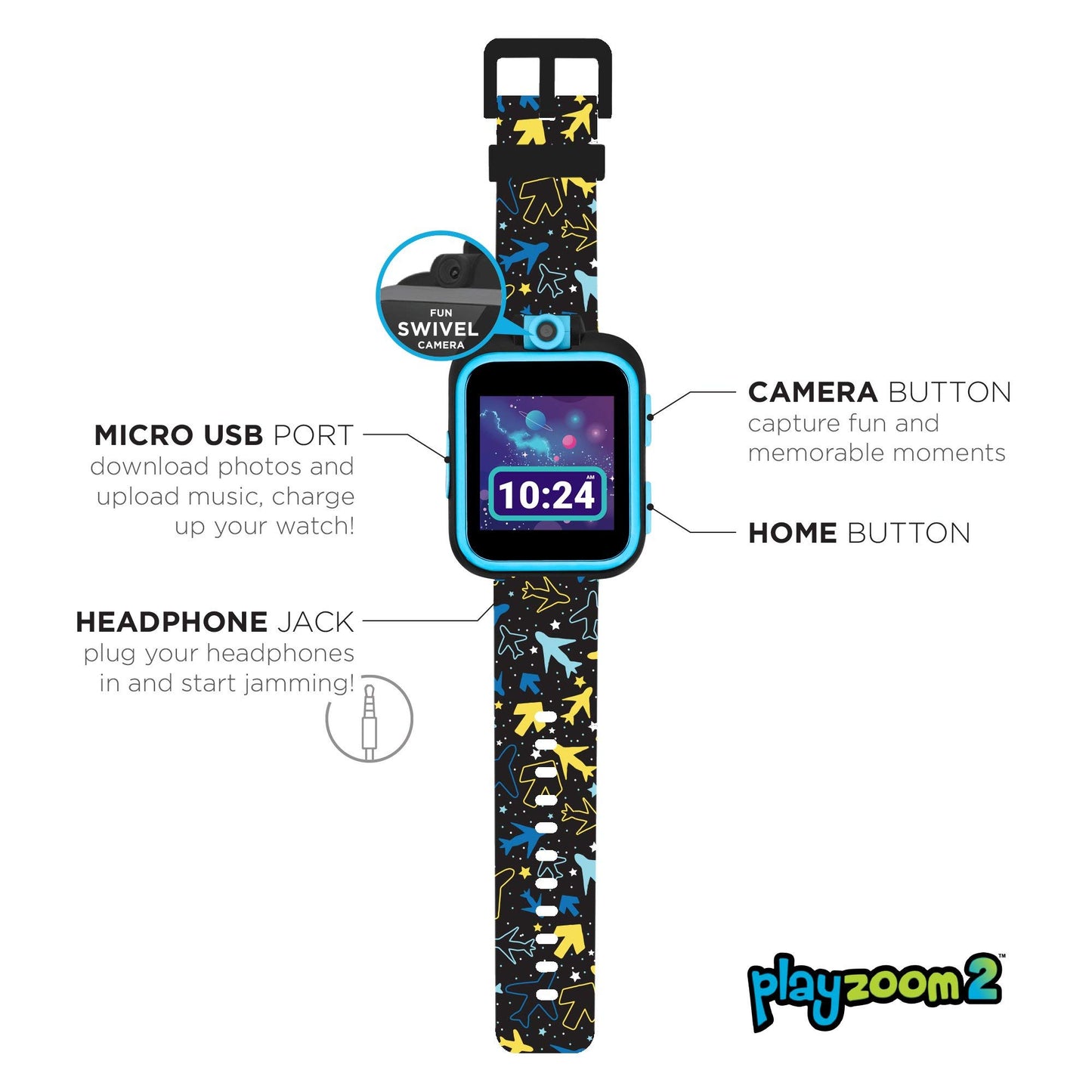
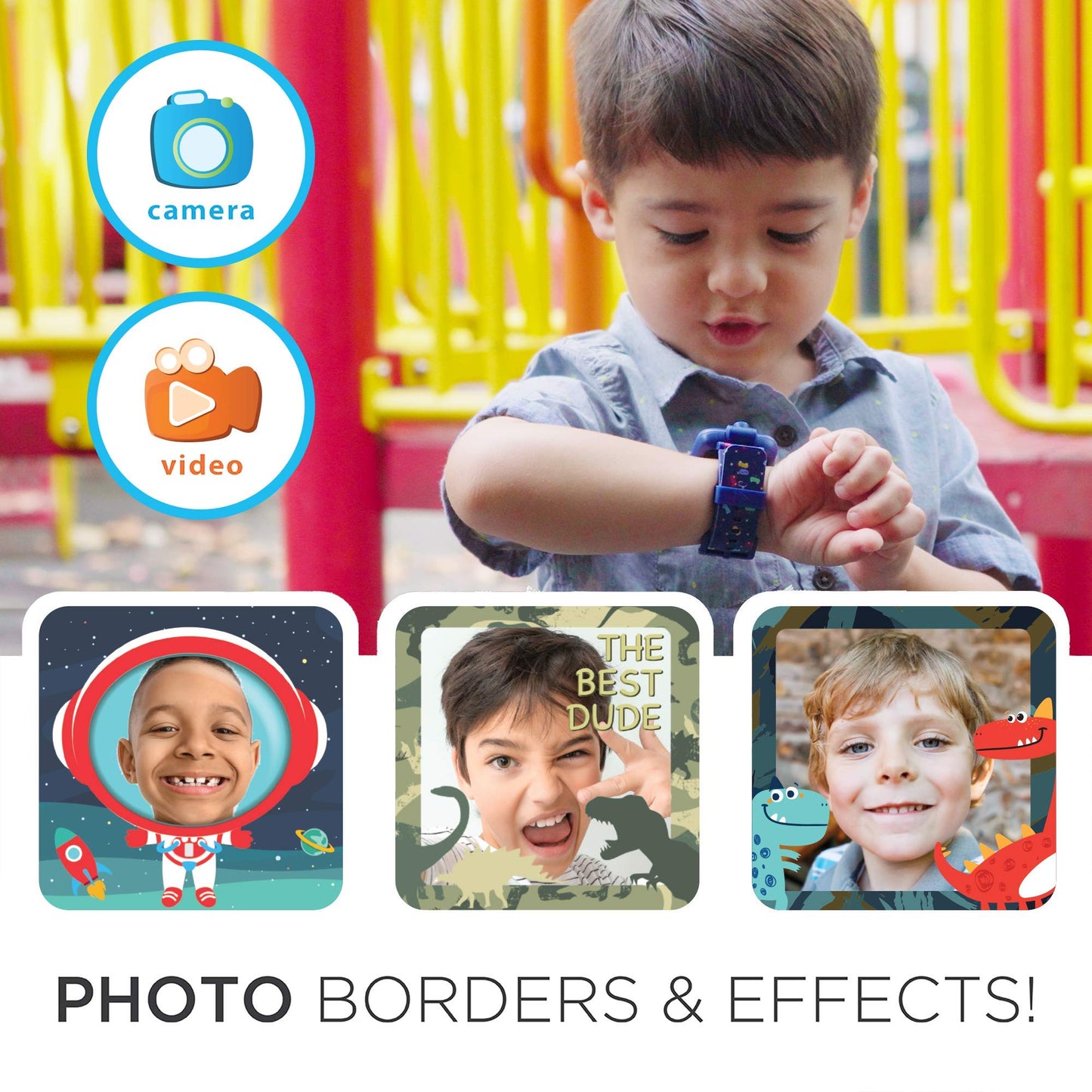
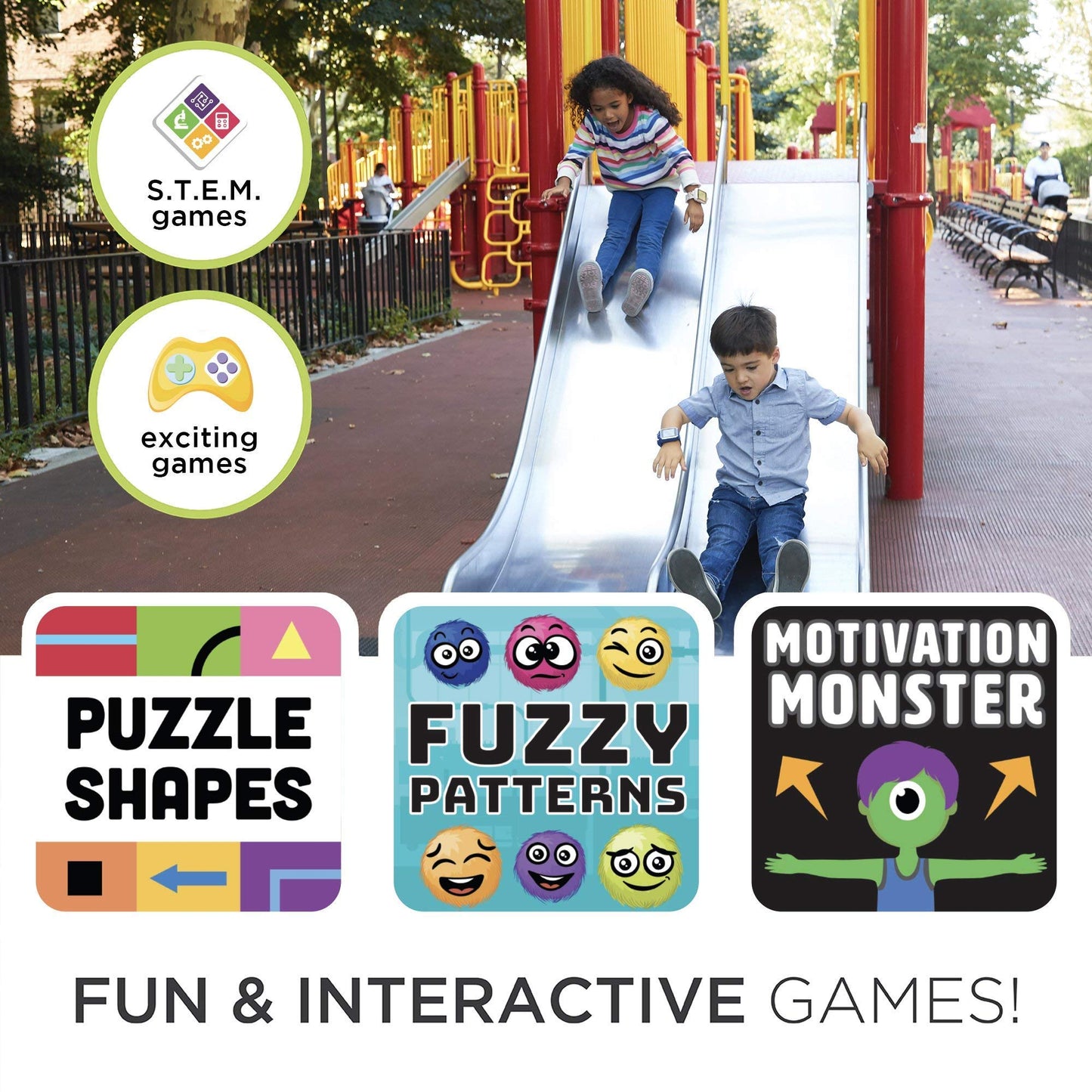
Learn And Play: Combine Learning And Fun! Help Your Child Learn About Stem, How To Tell Time, Set An Alarm, Record Video, Get Active And Fit, And More—All Through The Power Of Play! Listen To Lullabies, Your Favorite Tunes And More, With The Playzoom 2! | Plug And Play Ready: Built-In Games, Activities And More, The Playzoom 2 Separates Itself From The Competition By Truly Being Plug And Play. Charge It Up, Power It On And You Can Start Using It Right Away, Without A Lengthy Set-Up. | Store Music: Store Music Right On The Watch! Hook It Up To A Pc Or Laptop With The Included Microusb Cable, Drag And Drop Songs Your Child Loves, And Get The Party Started! The Device Also Has A Built In 3.5Mm Headphone Jack To Make Listening On The Go A Breeze. | Swivel Selfie Camera: Selfies Are Easy With The Swivel Camera. Snap Pictures And Add Fun Frames Or Take Videos! | Audio Bedtime Stories: Introducing Audio Bedtime Stories, To Help Your Child Get To Sleep And Give Parents A Break From The Standard Night Time Routine. Lay Back And Listen To Some Classic Stories Directly From The Watch! | Data Safe: We Understand How Important Security Is, Especially For Our Children. The Smartwatch Doesn’T Require A Data Connection, Cannot Access Wi-Fi Or The Internet In Any Way; So You Can Rest Assured Your Child’S Data Is Safe.
Shipping Information
Shipping Information
Shipping Information for Toytooth
Packaging & Shipping Protection
All orders are shipped in double boxes and come with full insurance for additional protection. Items are usually shipped within 2-3 working days. We are based right here in the United States, and we use secure shipping methods for your peace of mind. For your protection, we may contact you for extra verification of the payment method.
The product will be delivered to your doorstep, carefully packed to avoid any damage. We understand that privacy is important to our customers, and we aim to provide DISCREET packaging. The product name, description, sender's name, or any details that could hint at the product inside will be encrypted to ensure privacy. The package you receive will be completely discreet.
Note: All orders above $250 will require a signature upon delivery.
Shipping Destinations
We currently ship to the following countries:
| United States |
Spain | Denmark | Slovak Republic | Latvia |
| Great Britain | Poland | Japan | Singapore | Finland |
| Canada | Portugal | Hungary | Lithuania | India |
| Germany | UAE | Australia | Slovenia | Estonia |
| France | Austria | Croatia | Bulgaria | Turkey |
| Netherlands | Belgium | Czech Republic | Luxembourg | Israel |
| Sweden | Italy | Ireland | Saudi Arabia | Switzerland |
Processing Time
Orders are processed within 1-3 business days.
Shipping Methods & Delivery Times
Delivery times are estimates and may vary depending on the customer's location, customs processing, weather conditions, or other unforeseen circumstances.
- Domestic orders: Usually take 3-5 business days to deliver.
- International orders: Usually delivered in 8-12 business days.
Shipping Costs
Shipping costs are calculated at checkout based on the shipping destination and selected shipping method. We offer free standard shipping within the United States.
Customs, Duties, and Taxes
International orders may be subject to customs duties, taxes, and import fees imposed by the destination country. These charges are the responsibility of the customer. Please check with your local customs office for more details.
Order Tracking
Once your order has shipped, you will receive a tracking number via email to monitor your shipment's progress.
Lost or Delayed Shipments
If your package is lost or significantly delayed, please contact our support team, and we will assist you in resolving the issue.
Returns & Refunds
For details on returns and refunds, please refer to our Return Policy page.
For any questions, feel free to contact our customer service team at support@toytooth.com.
Safety & Compliance
Safety & Compliance
⚠️ WARNING (California Proposition 65):
This product may contain chemicals known to the State of California to cause cancer, birth defects, or other reproductive harm.
For more information, please visit www.P65Warnings.ca.gov.
Frequently Asked Questions
- Q: What are the dimensions of the Kids Smartwatch PlayZoom 2? A: The smartwatch measures five inches in length, three inches in width, and three and a half inches in height. These dimensions make it a comfortable fit for kids' wrists.
- Q: What color options are available for the PlayZoom 2? A: The PlayZoom 2 is available in an exciting Airplane and Star Print. This colorful design appeals to both boys and girls.
- Q: What type of battery does the PlayZoom 2 use? A: The smartwatch is powered by lithium-ion batteries. These batteries are packed with the equipment and provide reliable performance.
- Q: How do I charge the Kids Smartwatch PlayZoom 2? A: Simply connect the smartwatch to a computer or laptop using the included microUSB cable. This allows for easy charging and transferring of music.
- Q: What features does the PlayZoom 2 offer for learning and play? A: The smartwatch combines learning and play with built-in STEM games, video recording, and music playback. It helps children learn in an engaging way.
- Q: Is the PlayZoom 2 suitable for toddlers? A: Yes, the PlayZoom 2 is designed for toddlers and young children. Its engaging features make it ideal for kids aged four and up.
- Q: How can kids use the selfie camera on the smartwatch? A: Kids can easily take selfies with the swivel selfie camera. They can snap pictures and record videos, adding fun frames for creativity.
- Q: Can kids listen to music on the PlayZoom 2? A: Yes, kids can store music directly on the smartwatch. They can transfer songs from a computer using the microUSB cable.
- Q: What safety features does the PlayZoom 2 have? A: The smartwatch does not require an internet connection or Wi-Fi, ensuring children's data is safe from online access. This design prioritizes security.
- Q: How do I clean the PlayZoom 2 smartwatch? A: To clean the smartwatch, use a soft, dry cloth. Avoid using any abrasive materials or liquids that could damage the device.
- Q: What should I do if the PlayZoom 2 doesn't turn on? A: If the smartwatch doesn't turn on, first check if it is charged. If it's charged and still not working, consider resetting the device or contacting support.
- Q: Is there a warranty for the Kids Smartwatch PlayZoom 2? A: Yes, the PlayZoom 2 typically comes with a manufacturer's warranty. Check the packaging or the manufacturer's website for specific details.
- Q: Can the smartwatch be used without a smartphone? A: Yes, the PlayZoom 2 operates independently and does not require a smartphone for its core features. It's designed for standalone use.
- Q: What types of games are included with the PlayZoom 2? A: The smartwatch includes more than twenty built-in games that promote active learning and fun. These games cover various educational topics.
- Q: How do I set alarms on the PlayZoom 2? A: To set alarms, navigate to the clock feature on the smartwatch. Follow the on-screen instructions to set the desired alarm time.