


You will not be allowed to compare more than 4 products at a time
View compareKaeKid Voice Control Robot Toy for Kids, Interactive Astronaut with Touch Sensor, Singing & Dancing, Green Orange
KaeKid Voice Control Robot Toy for Kids, Interactive Astronaut with Touch Sensor, Singing & Dancing, Green Orange
Regular price
$33.87 USD
Sale price
$33.87 USD
Regular price
$33.87 USD
Unit price
per
Shipping calculated at checkout.
Out of stock
Sold by ToyTooth — Your trusted kids' toy store.
Returns accepted within 30 days | support@toytooth.com
Shipping Information
- Free Shipping Across the USA
- Processing Time: 3–5 business days
- Estimated Delivery: 6–10 business days after dispatch
- Securely packed to ensure your purchase arrives in perfect condition
- Tracking number sent via email once dispatched
Returns & Refund
Returns accepted within 30 days of delivery.
Damaged or Defective Item
Free return shipping + replacement or full refund
Wrong Item Received
Free return shipping + replacement or full refund
Change of Mind
Return shipping at customer's expense · Item must be unused & in original packaging
All returns require a Return Authorization (RA) number before sending.
View Full Return & Refund Policy
Safety & Compliance
⚠️
California Proposition 65 Warning
Some products sold on this website may expose you to chemicals known to the State of California to cause cancer, birth defects, or other reproductive harm.
www.P65Warnings.ca.gov
🛒
General Product Safety Advisory
Always read the product label, instructions, and safety warnings before use. Do not use damaged or modified products. Store products in appropriate conditions as specified by the manufacturer.
Keep all products out of reach of children unless specifically designed for their use.
ℹ️
Product Authenticity & Notice
All products sold by ToyTooth are 100% authentic, sourced directly from trusted toy suppliers and brands. Product colors and dimensions may vary slightly from images due to screen calibration and manufacturing tolerances.
ToyTooth — Fun Toys for Every Kid, Delivered to Your Door.
Share
Couldn't load pickup availability
Guarantee safe and secure checkout
Description
Description
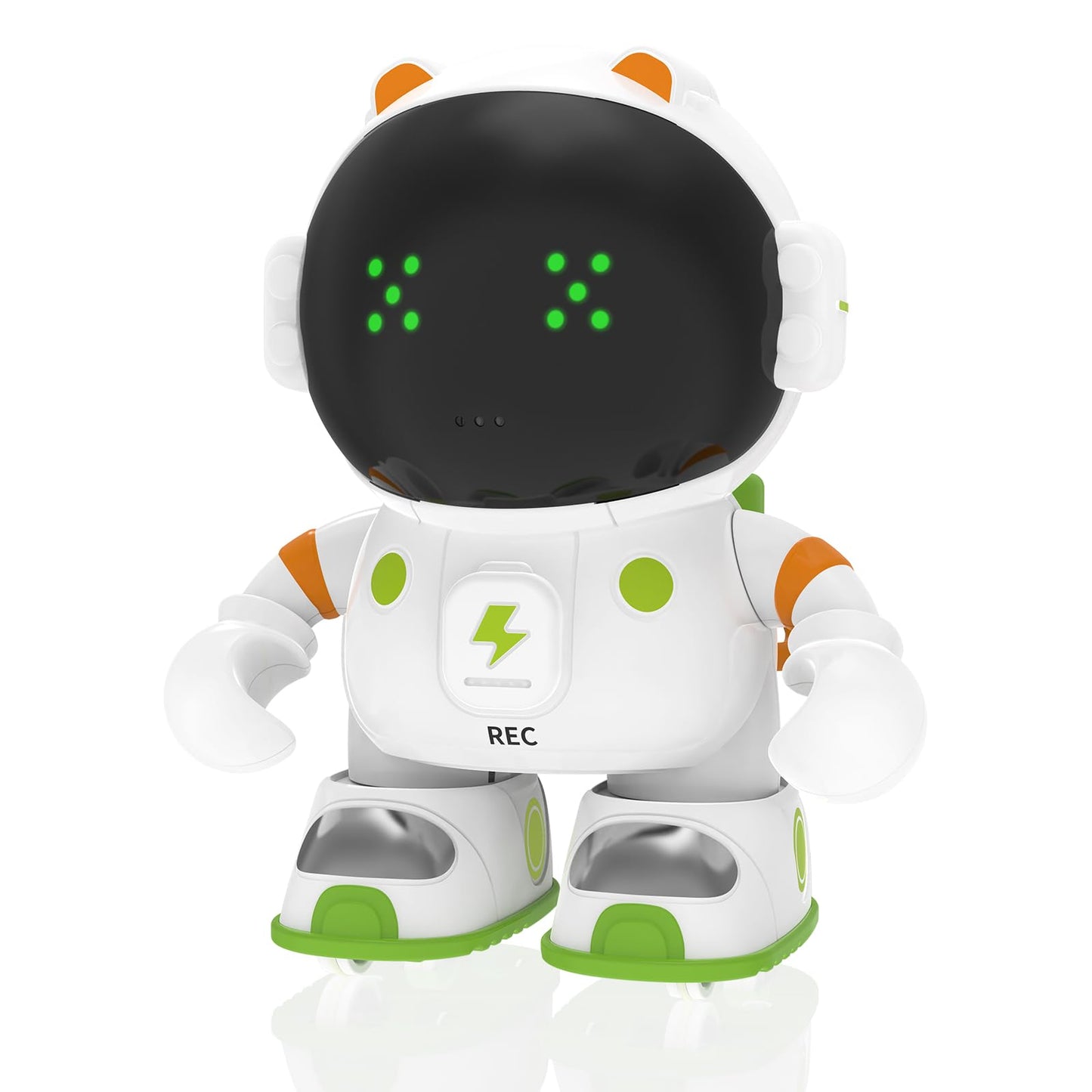
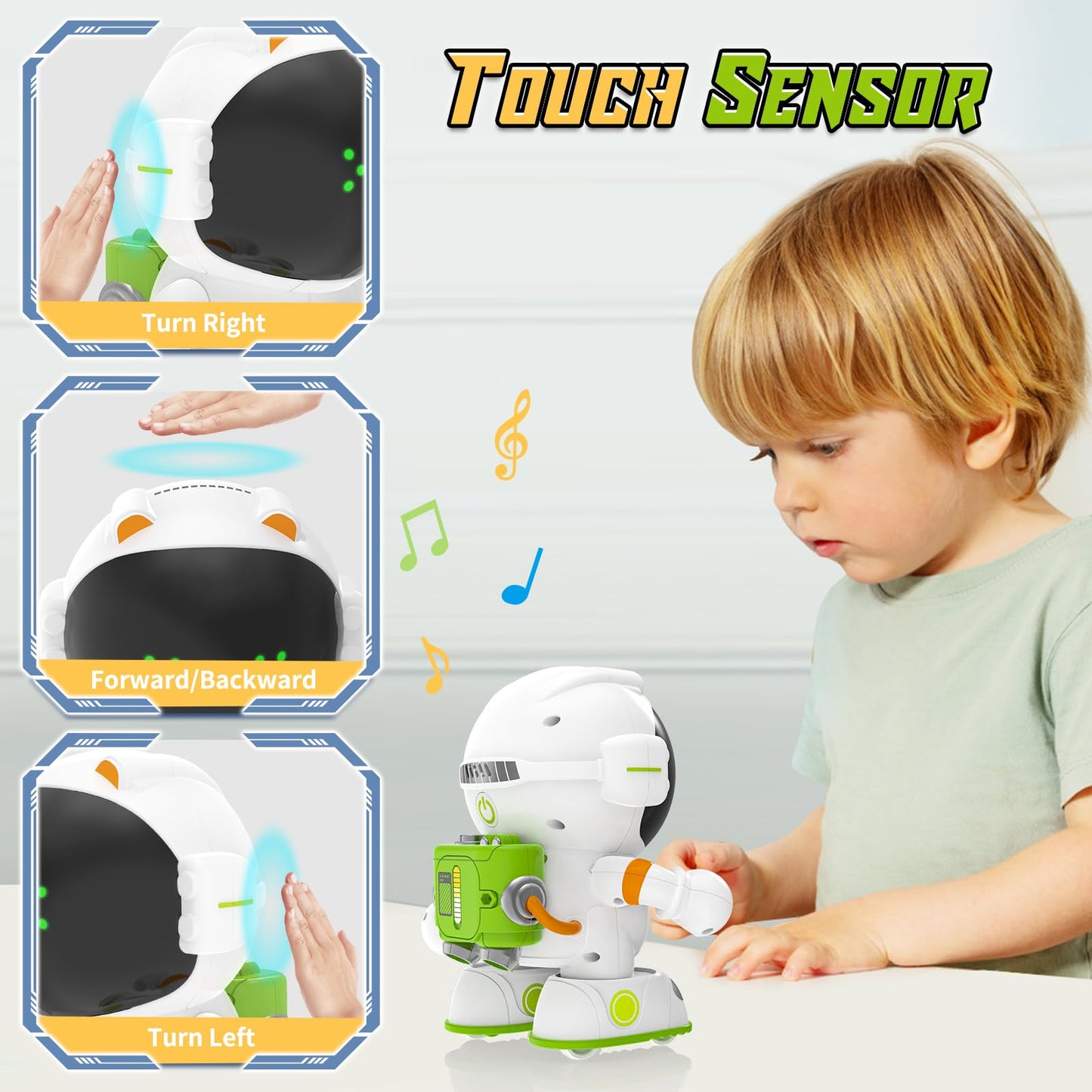
The KaeKid Astronaut Robot Voice Control is an interactive robot toy designed to engage children aged 3 to 9 years. This innovative robot offers voice and touch control capabilities, making it an ideal companion for imaginative play and learning.
Crafted from durable Acrylonitrile Butadiene Styrene (ABS) material, the KaeKid robot is built to withstand the rigors of play while ensuring safety for young users. Its vibrant Green and Orange color scheme captures children's attention, while its compact size of 13.4*10.5*16.5cm (5.3*4.1*6.5in) makes it easy to transport. The robot is designed to perform a variety of functions, including singing, dancing, and conversing, which not only entertains but also helps develop children's language skills and pronunciation.
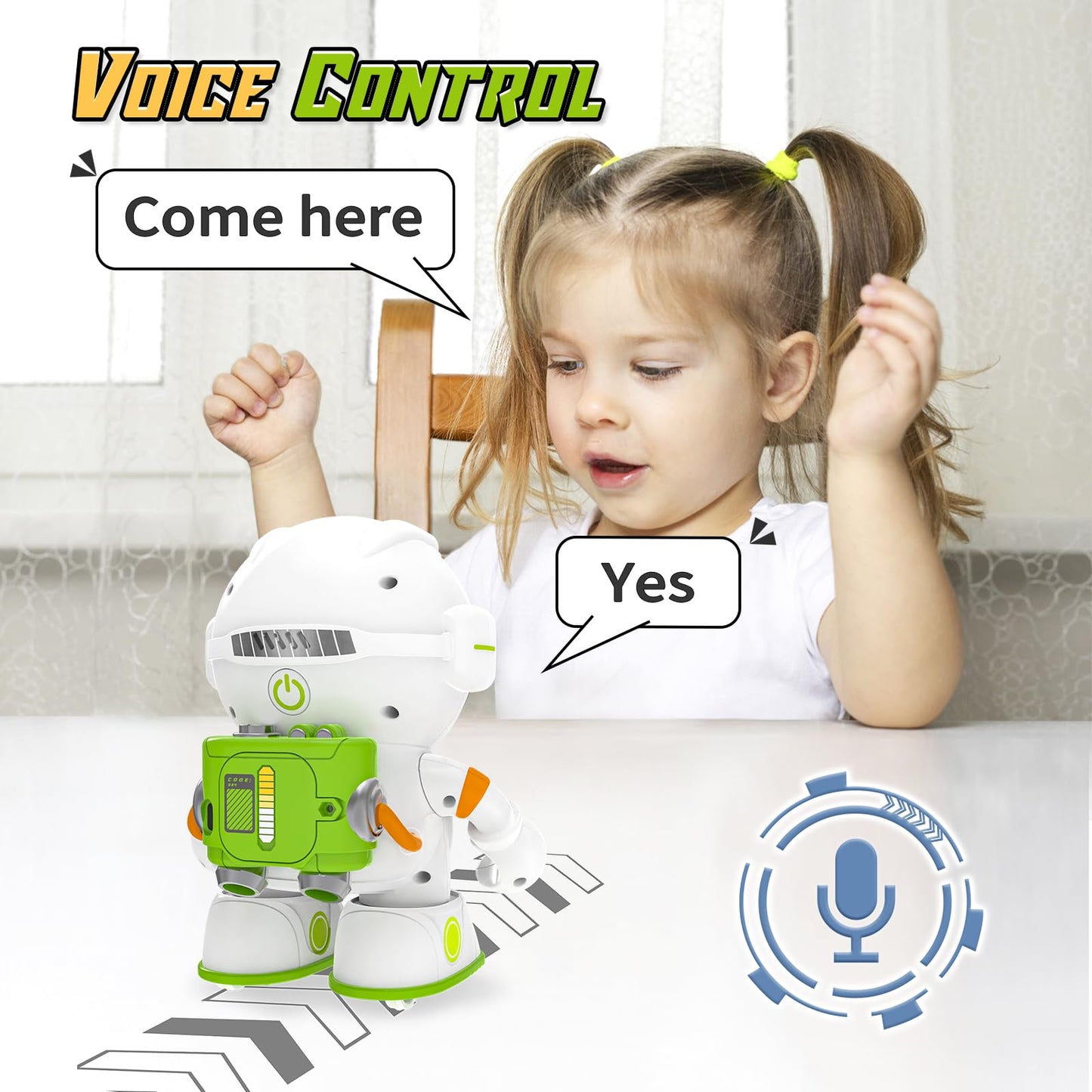
Key Features:- Voice Control: The robot responds to voice commands, allowing children to control its actions effortlessly.
- Multiple Modes: Switch between working, recording, and sleeping modes for diverse play experiences.
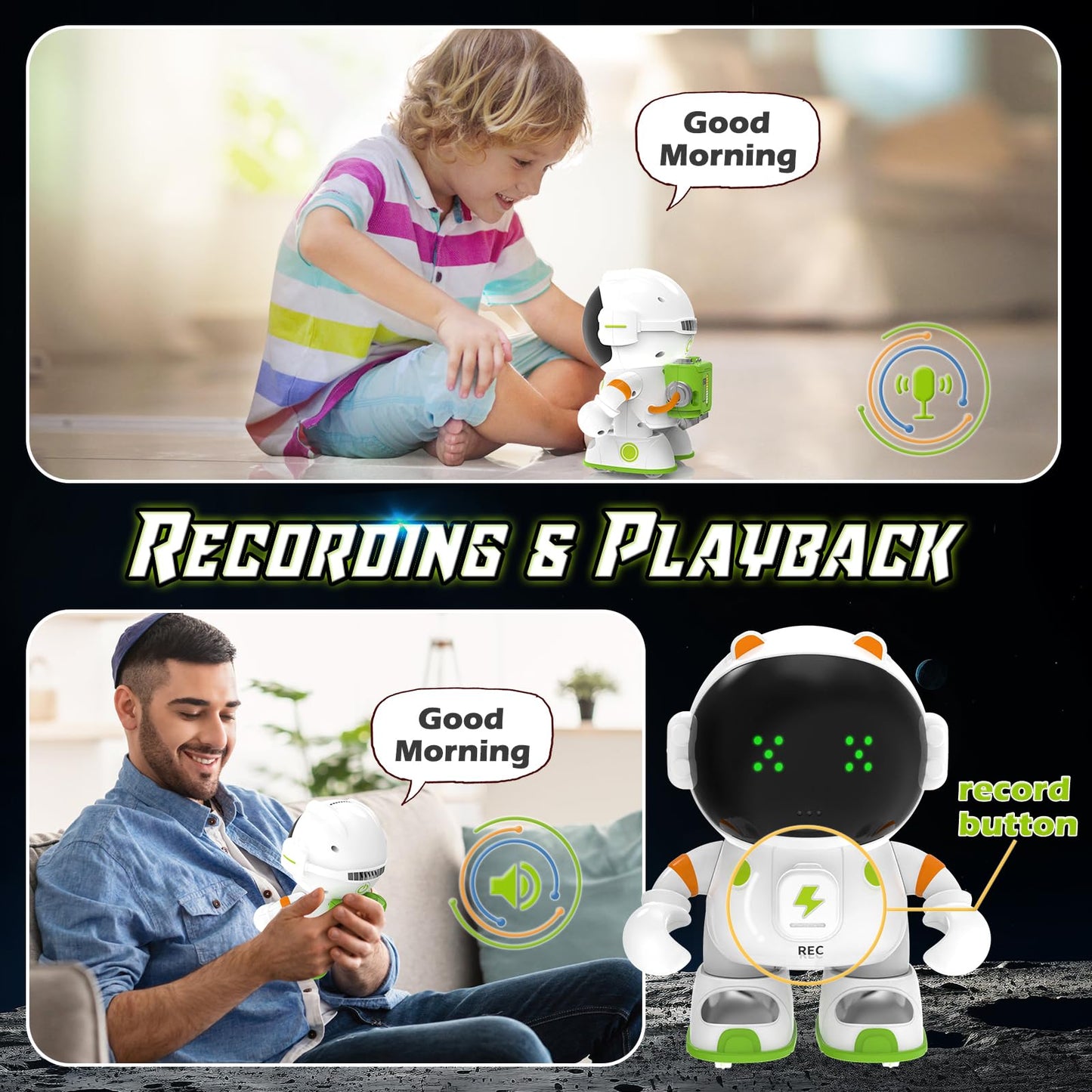
- Recording Capability: Record up to 8 seconds of audio, with a total of three recordings possible for personalized interaction.
- Interactive Learning: Encourages language development by repeating phrases spoken by children, promoting pronunciation skills.
- Compact and Portable: Its lightweight design makes it easy to take anywhere, ensuring fun on-the-go.
- Ideal Gift: Perfect for birthdays, holidays, or any special occasion for boys and girls aged 3 to 9 years.
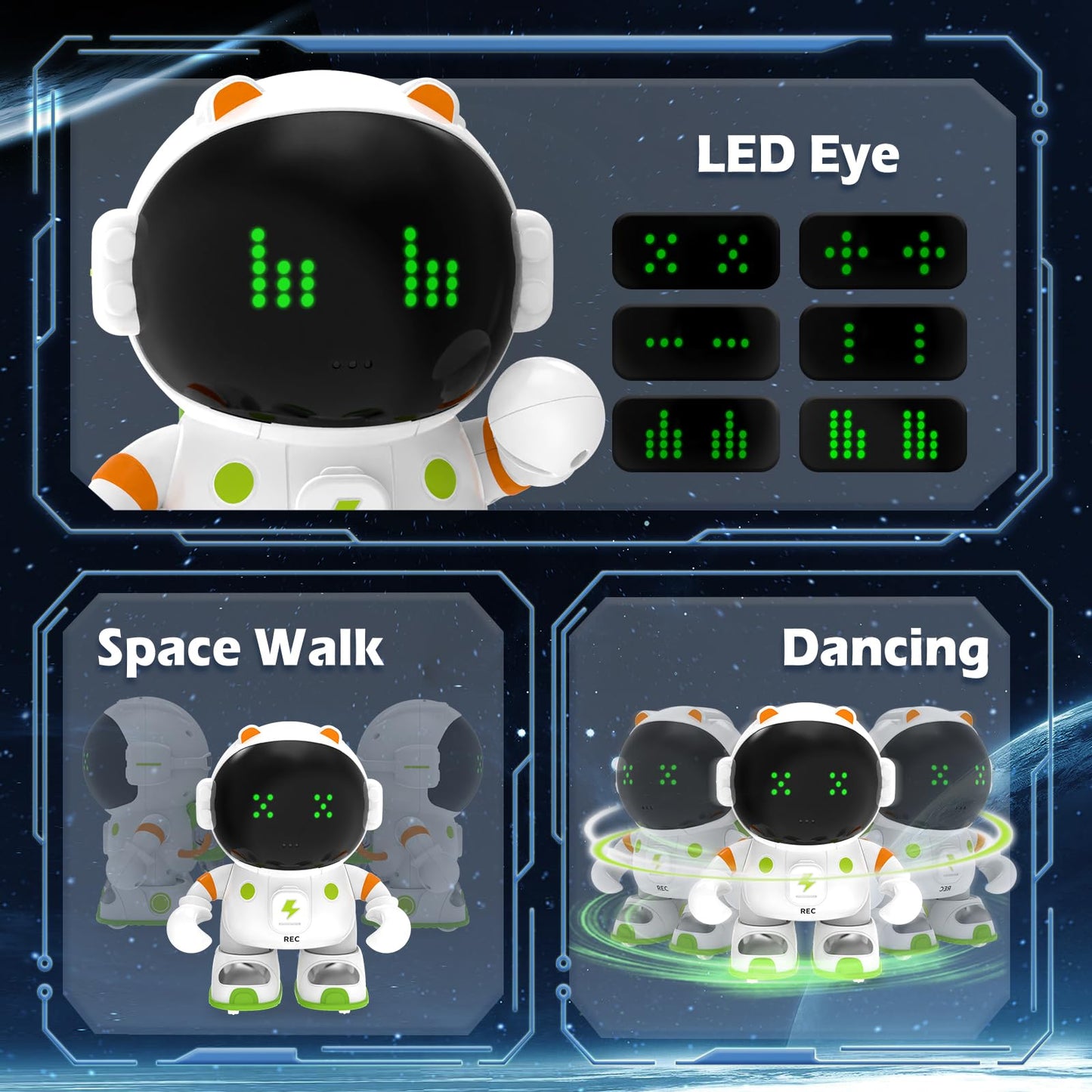
- Fun Companion: The robot's LED eyes and playful personality make it a delightful addition to any child's playtime.
The KaeKid Astronaut Robot Voice Control is an excellent choice for parents seeking an engaging and educational toy for their children. Its unique features foster creativity and communication, making it not only a fun toy but also a tool for development. With its robust design and thoughtful functionalities, this robot is sure to be a favorite among young explorers and their families.
Frequently Asked Questions
- Q: What are the dimensions of the KaeKid Voice Control Robot? A: The KaeKid Voice Control Robot measures five point three inches in length, four point one inches in width, and six point five inches in height.
- Q: What material is the KaeKid robot made of? A: The KaeKid robot is made of Acrylonitrile Butadiene Styrene, a durable and lightweight plastic.
- Q: Is the KaeKid robot powered by batteries? A: Yes, the KaeKid robot is powered by lithium-ion batteries that are packed with the equipment.
- Q: How do children interact with the KaeKid robot? A: Children can interact with the KaeKid robot using voice commands and touch controls for various actions.
- Q: What modes does the KaeKid robot have? A: The KaeKid robot features multiple modes including working, recording, and sleeping for versatile play.
- Q: Is the KaeKid robot suitable for children aged three to eight? A: Yes, the KaeKid robot is designed for kids aged three to eight years old, making it a great toy for that age group.
- Q: How do I record messages with the KaeKid robot? A: To record messages, press the talking recording button on the robot's chest; it can store up to three recordings of eight seconds each.
- Q: Can the KaeKid robot dance and sing? A: Yes, the KaeKid robot can both dance and sing, providing entertainment for children while they play.
- Q: How should I clean the KaeKid robot? A: To clean the KaeKid robot, use a soft, damp cloth to wipe its surface; avoid submerging it in water.
- Q: What safety precautions should I take with the KaeKid robot? A: Ensure that the KaeKid robot is used under adult supervision, especially since it contains lithium-ion batteries.
- Q: Can the KaeKid robot power off automatically? A: Yes, the robot will power off when it hears the commands 'goodbye' or 'sleep'.
- Q: Is the KaeKid robot a good gift for birthdays? A: Yes, the KaeKid robot makes an excellent birthday gift for children aged three to eight.
- Q: How can I turn the KaeKid robot back on? A: To turn the KaeKid robot back on, press the talking recording button on its chest.
- Q: Is the KaeKid robot bilingual? A: Yes, the KaeKid robot can repeat what children say, aiding in language skills development.
- Q: What colors does the KaeKid robot come in? A: The KaeKid robot is available in green and orange colors, appealing to various preferences.