


You will not be allowed to compare more than 4 products at a time
View compareMeccano By Erector, Micronoid Code Zapp Programmable Robot Building Kit
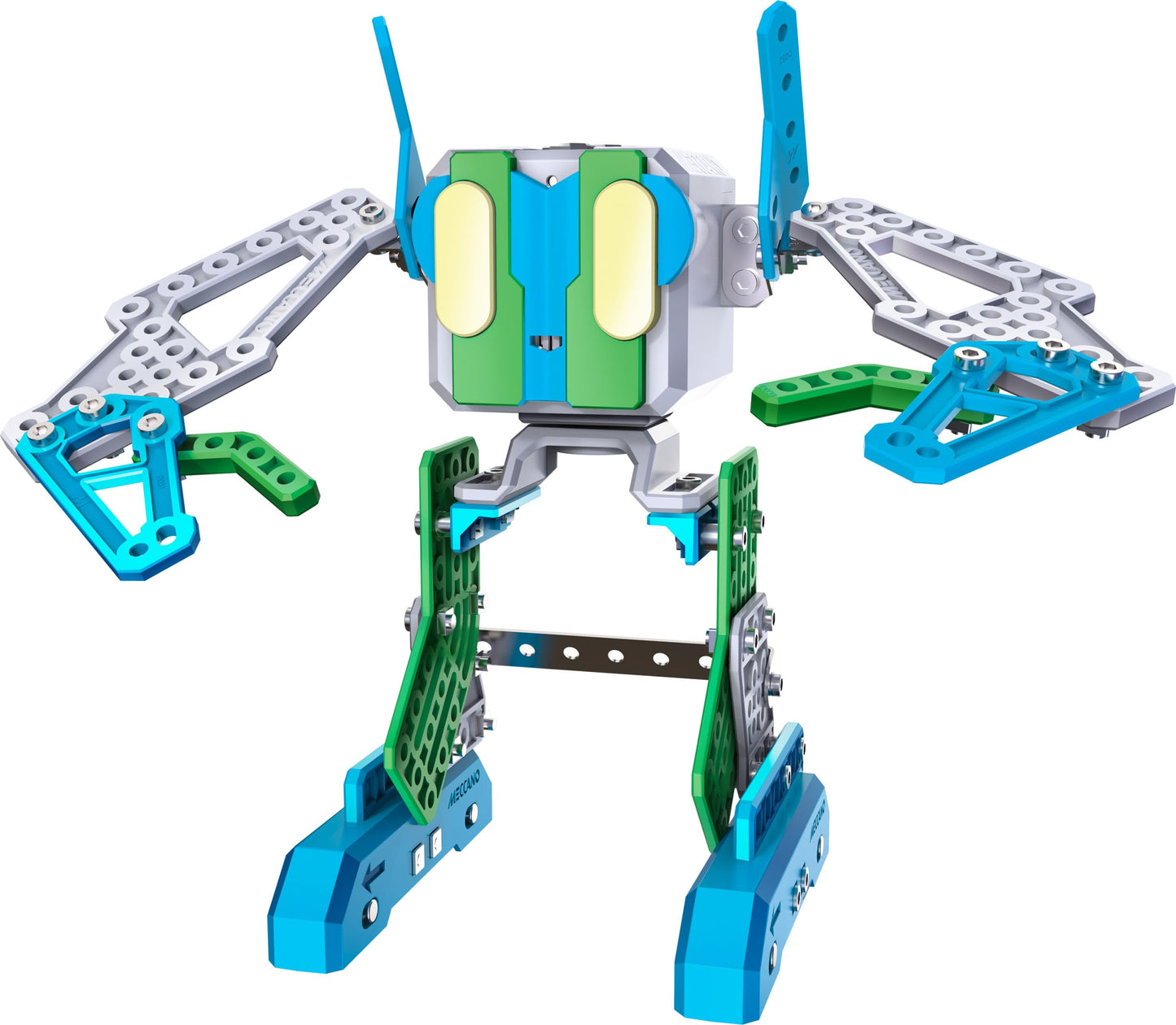
Meccano By Erector, Micronoid Code Zapp Programmable Robot Building Kit
Regular price
$74.72 USD
Sale price
$74.72 USD
Regular price
$74.72 USD
Unit price
per
Shipping calculated at checkout.
Out of stock
Sold by ToyTooth — Your trusted kids' toy store.
Returns accepted within 30 days | support@toytooth.com
Shipping Information
- Free Shipping Across the USA
- Processing Time: 3–5 business days
- Estimated Delivery: 6–10 business days after dispatch
- Securely packed to ensure your purchase arrives in perfect condition
- Tracking number sent via email once dispatched
Returns & Refund
Returns accepted within 30 days of delivery.
Damaged or Defective Item
Free return shipping + replacement or full refund
Wrong Item Received
Free return shipping + replacement or full refund
Change of Mind
Return shipping at customer's expense · Item must be unused & in original packaging
All returns require a Return Authorization (RA) number before sending.
View Full Return & Refund Policy
Safety & Compliance
⚠️
California Proposition 65 Warning
Some products sold on this website may expose you to chemicals known to the State of California to cause cancer, birth defects, or other reproductive harm.
www.P65Warnings.ca.gov
🛒
General Product Safety Advisory
Always read the product label, instructions, and safety warnings before use. Do not use damaged or modified products. Store products in appropriate conditions as specified by the manufacturer.
Keep all products out of reach of children unless specifically designed for their use.
ℹ️
Product Authenticity & Notice
All products sold by ToyTooth are 100% authentic, sourced directly from trusted toy suppliers and brands. Product colors and dimensions may vary slightly from images due to screen calibration and manufacturing tolerances.
ToyTooth — Fun Toys for Every Kid, Delivered to Your Door.
Share
Couldn't load pickup availability
Guarantee safe and secure checkout
Description
Description
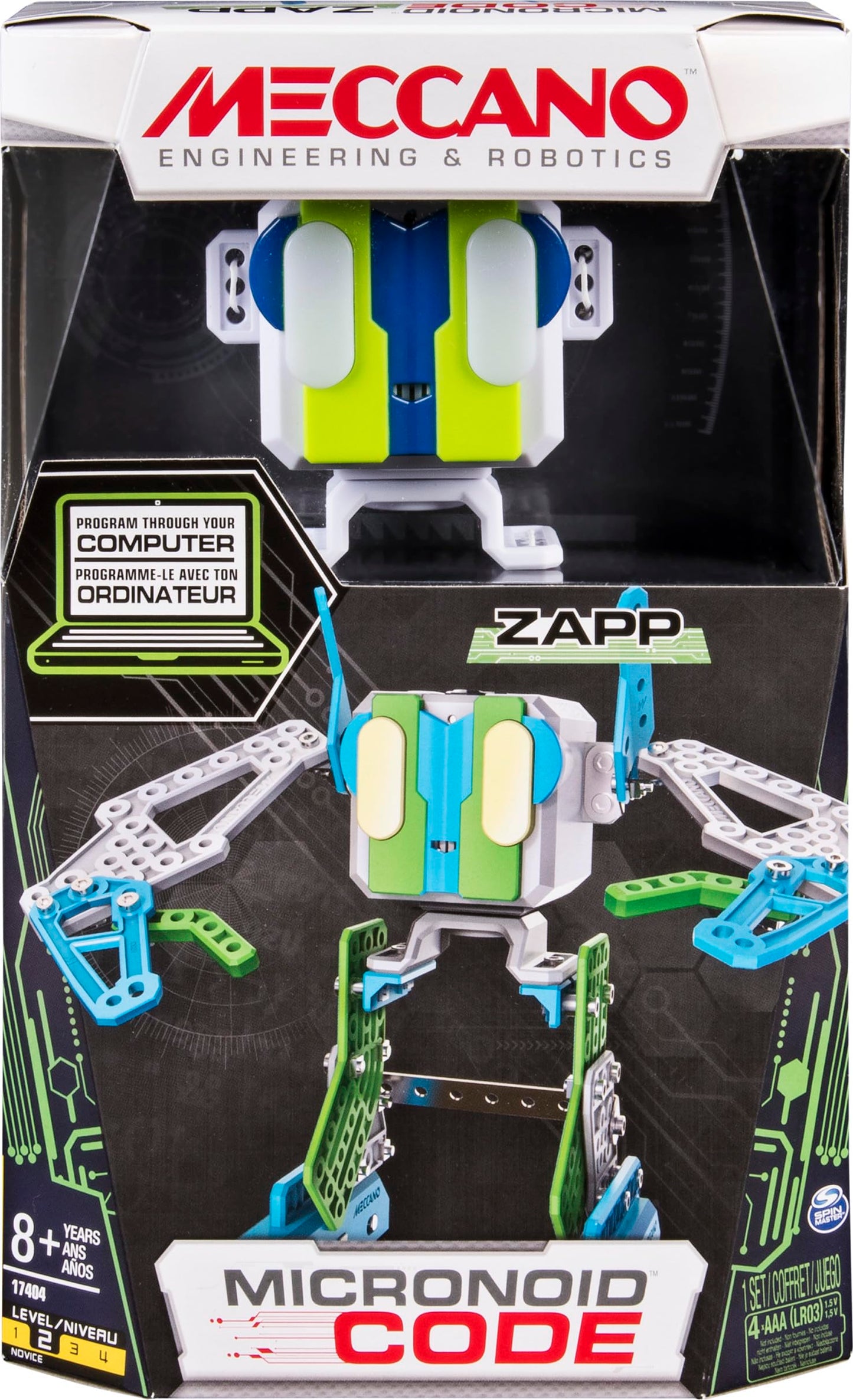
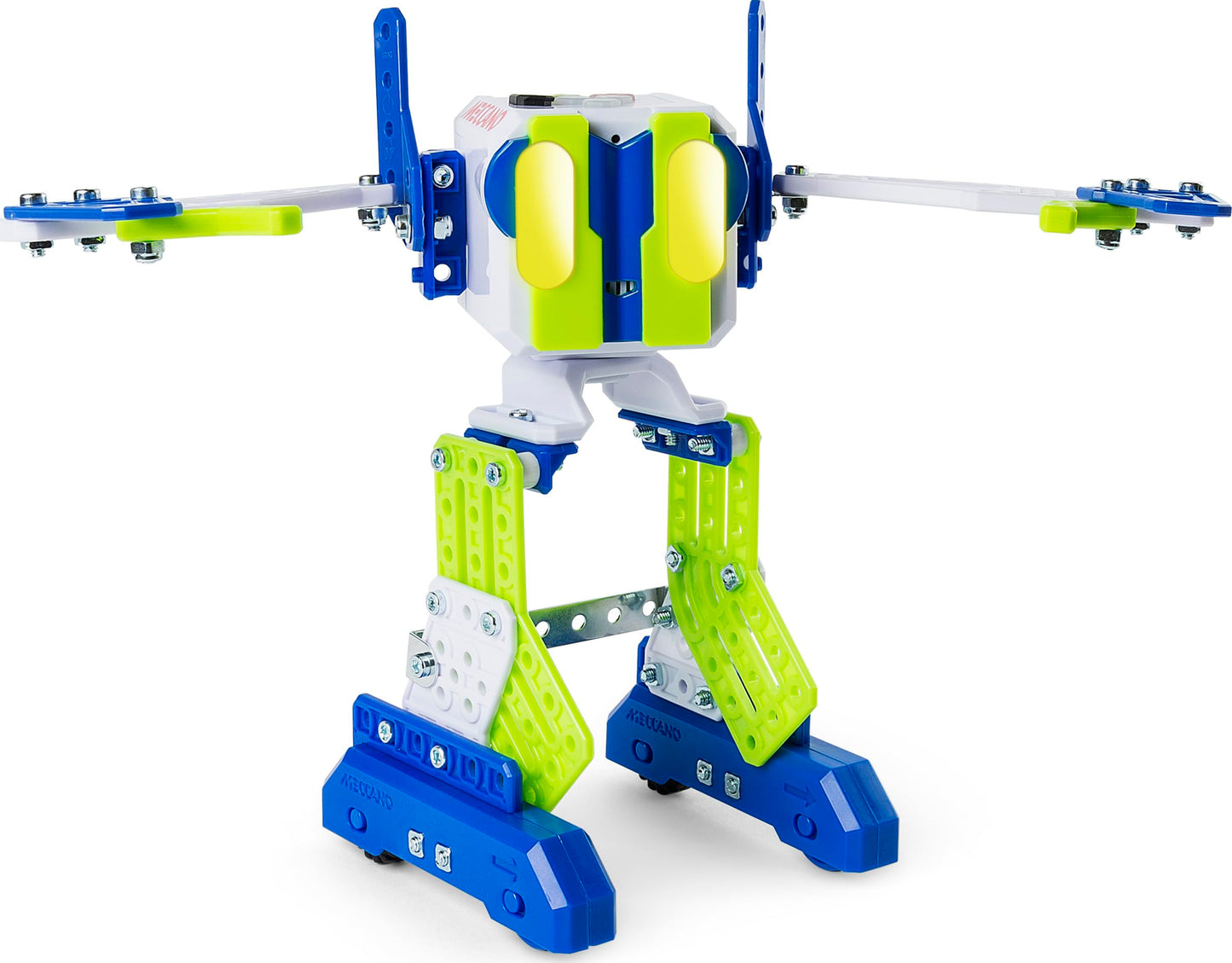
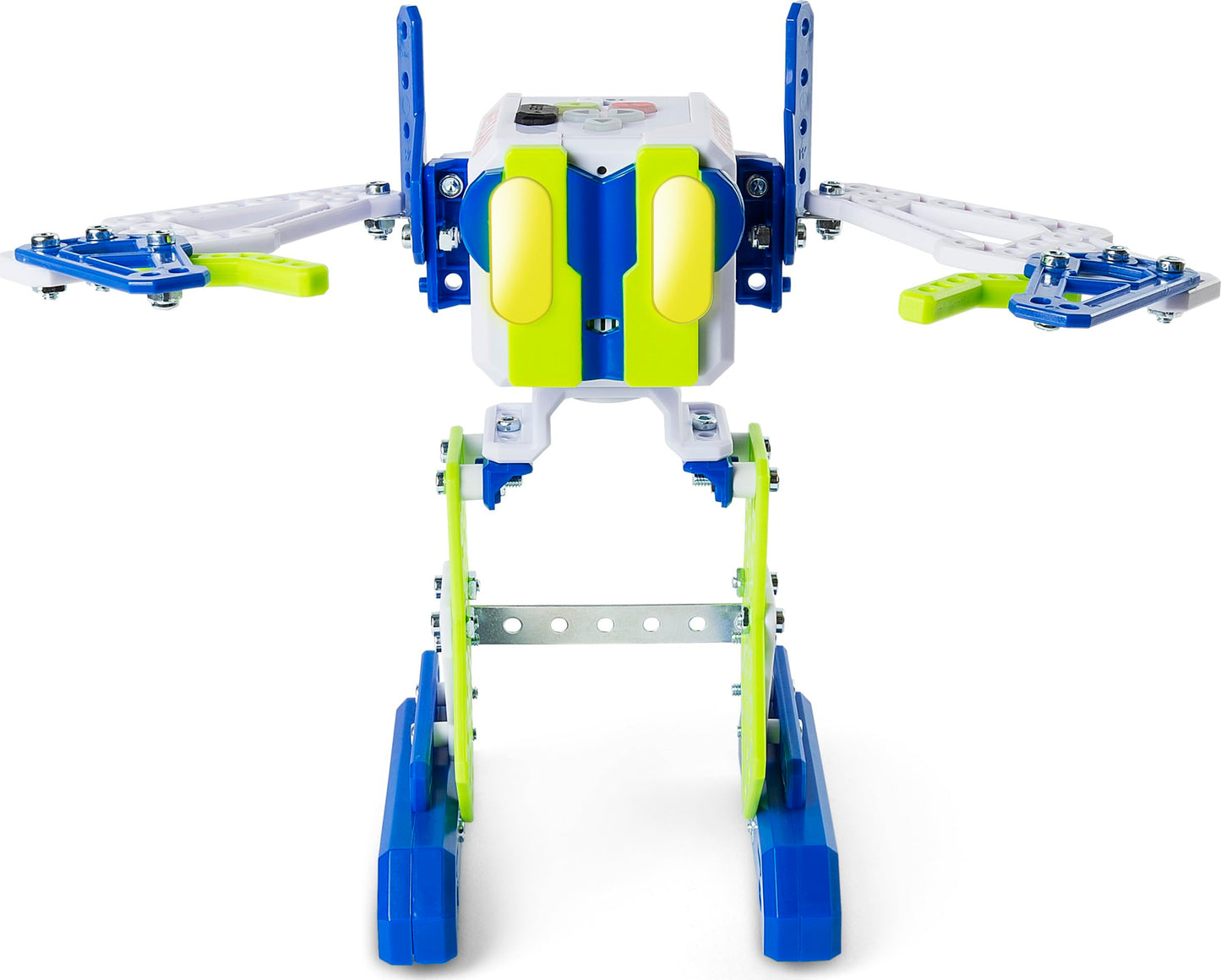
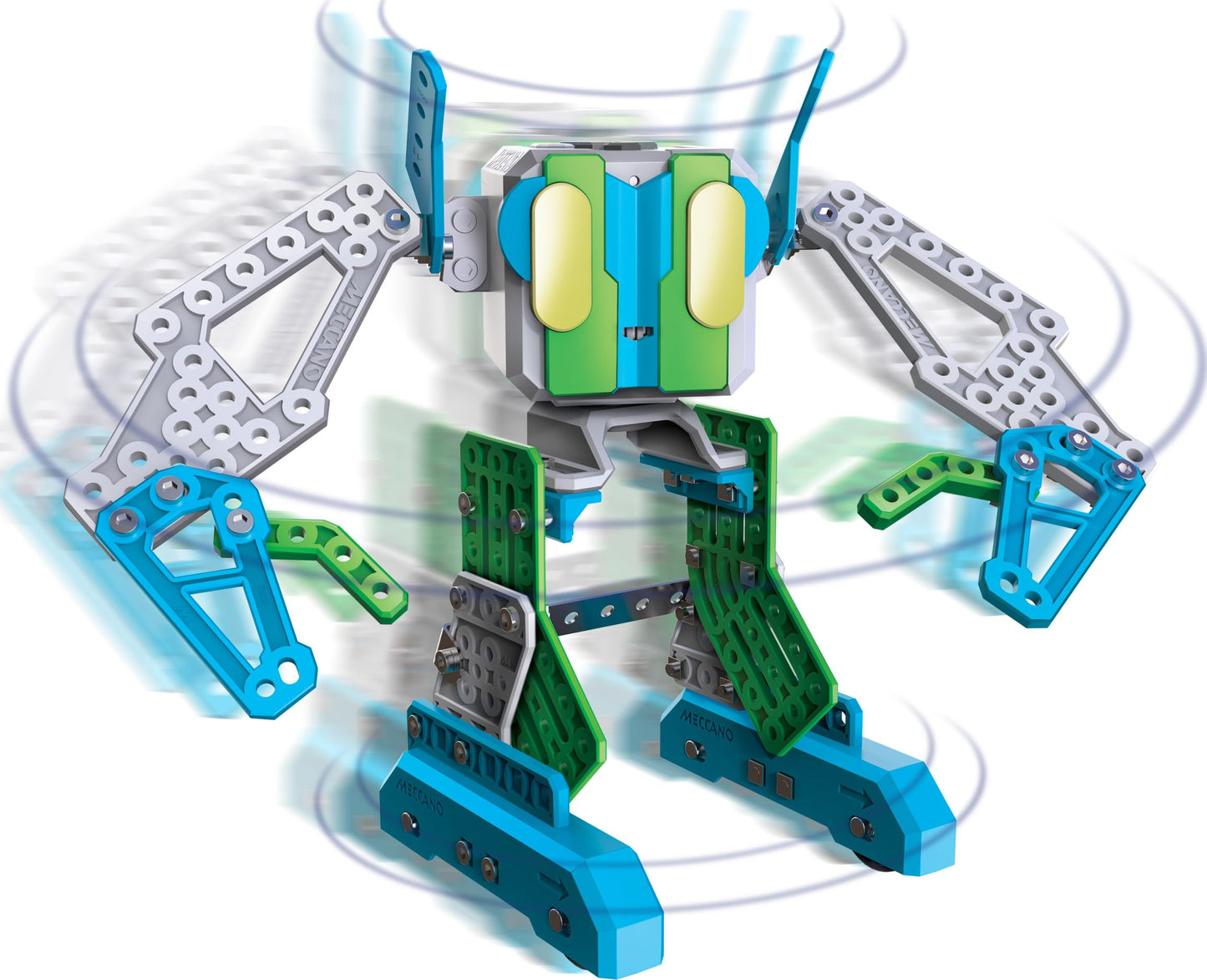
Meet Meccanos Micronoid Code Zapp - A 9.6 X 8 X 5.7 Robot With A Personality! Curious Minds New To The World Of Robotics Will Be Able To Assemble Zapp In Less Than An Hour. Once Built, Zapp Syncs To Your Computer And Is Easily Programmable. As An Interactive Robot, You Can Talk To Zapp And See It Respond! Zapp Even Has Hobbies! Switch To Dj Mode And Listen To Some Great Tunes, Or Arrange A Jam Session And Unite Zapp With The Other Micronoid Robots, Like Magna And A.C.E. As Part Of The Meccano (Formerly Erector) S.T.E.M Line Of Toys, Zapp Is Both Fun And Intellectually Stimulating. Ready To Take On A Challenge? Try Building Meccanos Micronoid Code Zapp!
Frequently Asked Questions
- Q: What are the dimensions of the Micronoid Code Zapp robot? A: The Micronoid Code Zapp measures nine point six inches in length, eight inches in width, and five point seven inches in height.
- Q: What materials is the Micronoid Code Zapp made from? A: The Micronoid Code Zapp is primarily made from metal, providing durability for play and assembly.
- Q: How many parts are included in the Micronoid Code Zapp kit? A: The kit includes one hundred one parts, allowing for an engaging building experience.
- Q: What age group is the Micronoid Code Zapp suitable for? A: The Micronoid Code Zapp is recommended for kids aged eight years and older.
- Q: How long does it take to build the Micronoid Code Zapp? A: It takes approximately one hour or less to build the Micronoid Code Zapp robot.
- Q: How do you program the Micronoid Code Zapp? A: Once assembled, you can connect Zapp to your computer and easily program its actions through the software.
- Q: Can the Micronoid Code Zapp switch modes during play? A: Yes, Zapp can switch into different modes, including DJ mode and robot fighting mode.
- Q: What tools are included to build the Micronoid Code Zapp? A: The kit includes two real tools to assist in building the robot, along with an instruction sheet.
- Q: What type of batteries does the Micronoid Code Zapp require? A: The Micronoid Code Zapp requires four AA batteries, which are not included in the kit.
- Q: How should I care for the Micronoid Code Zapp robot? A: To care for Zapp, ensure it is kept away from moisture and clean it with a dry cloth when necessary.
- Q: Is the Micronoid Code Zapp safe for younger kids? A: While Zapp is safe for children aged eight and up, younger kids should be supervised during play due to small parts.
- Q: What should I do if the Micronoid Code Zapp arrives damaged? A: If Zapp arrives damaged, contact the retailer's customer service for assistance with returns or exchanges.
- Q: How do I troubleshoot programming issues with the Micronoid Code Zapp? A: For programming issues, ensure that Zapp is properly connected to your computer and refer to the instruction manual for guidance.
- Q: Can I connect multiple Micronoid robots together? A: Yes, you can unite Zapp with other Micronoid robots for collaborative play and interactive experiences.
- Q: Do I need any additional software for programming the Micronoid Code Zapp? A: Yes, you will need to install the provided software on your computer to program Zapp effectively.
- Q: What makes the Micronoid Code Zapp a STEM toy? A: The Micronoid Code Zapp encourages kids to engage in science, technology, engineering, and mathematics through building and programming.